
Announcements and Notifications for AMAU Academy Students
Updated
Assalamu Alaikum Wa Rahmatullahi Wa Barakatuh.
AMAU Academy provides announcements and notifications to help you stay updated with community activity, important updates, and interactions related to your posts and discussions.
These notifications ensure you do not miss important reminders, discussions, or updates within the AMAU Community.
How You Receive Notifications
Notifications may reach you through three main channels.
1. Notification Center (Bell Icon)
Inside the AMAU platform, you will see a bell icon (🔔) that serves as the notification center.

The bell icon shows alerts for community-related activity, including:
• New posts from AMAU administrators
• Likes, comments, or replies to your posts
• Mentions of your username in posts or comments
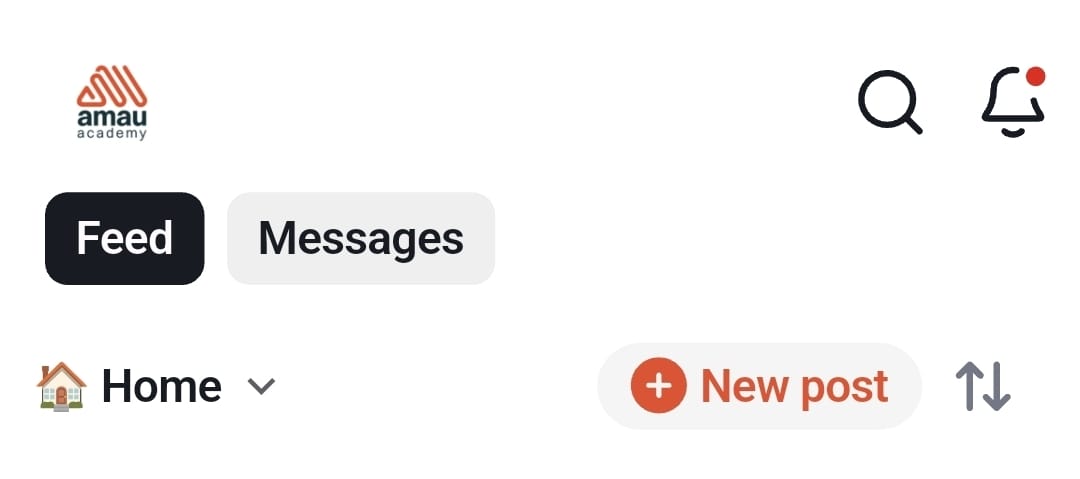
This notification center is available on both the website and the mobile app.
Note: The bell icon only shows community activity notifications.
2. Mobile App Push Notifications
If you are using the AMAU mobile app, you may also receive push notifications directly on your device.
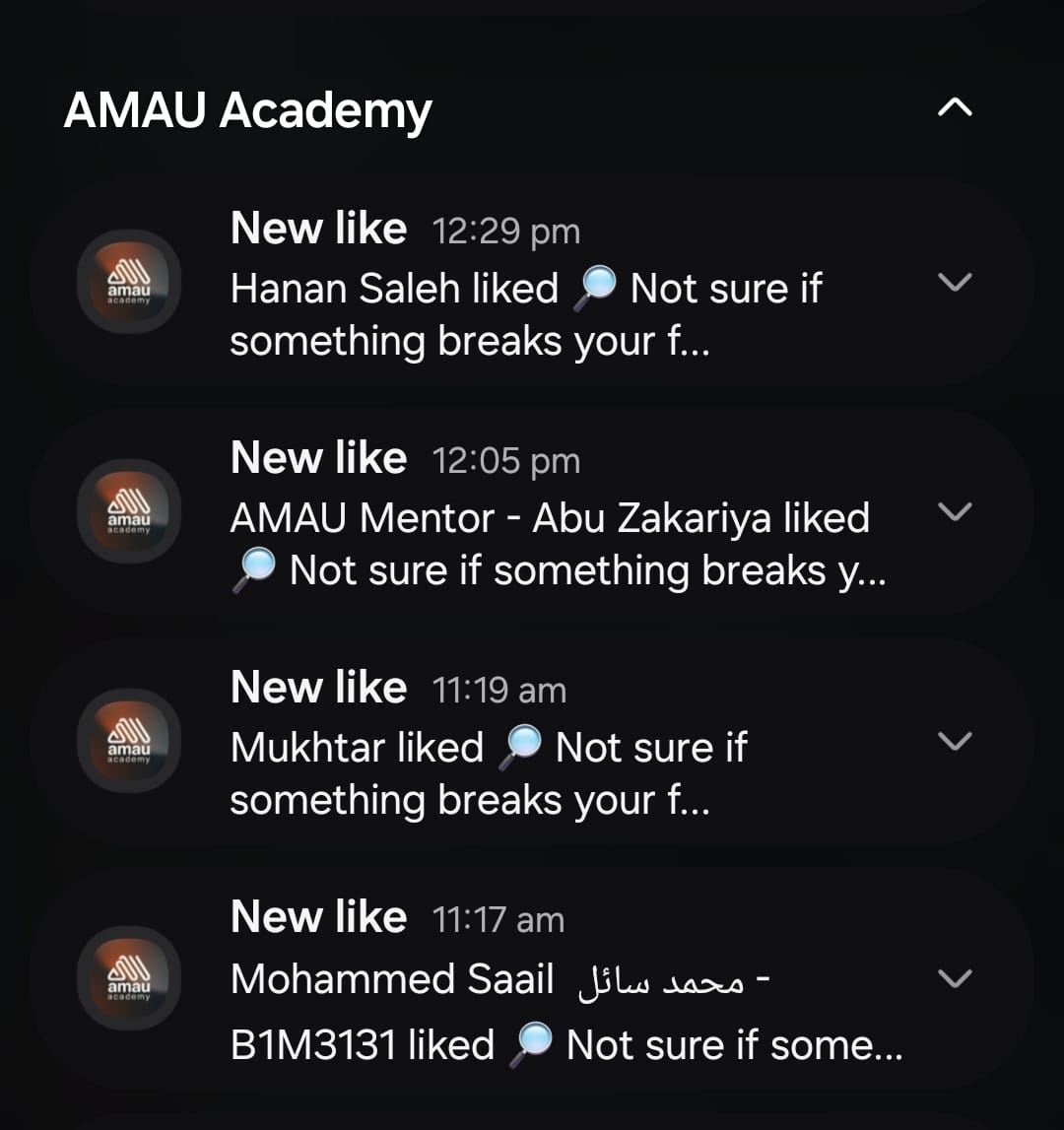
These notifications may alert you about:
• Posts from administrators or teachers
• New polls or community challenges
• Comments, replies, or likes on your posts
• Important announcements or live events
Managing Push Notifications
You can adjust your notification preferences in the app:
-
Open the More tab.
-
Go to General → Notification Settings.
-
Enable or disable notifications based on your preference.
3. Email Notifications
Some notifications may also be sent to your registered email address.
These may include:
• Replies to your posts or comments
• Mentions in discussions
• New posts from members you follow
• Community updates or reminders
If you open a notification email on a device with the AMAU app installed, the link will usually open directly inside the app.
Managing Email Notifications
To control email notifications, you can:
• Update your notification preferences in your profile settings
• Use the unsubscribe link provided in AMAU emails
AMAU also limits duplicate notifications to avoid unnecessary emails.
Why Notifications Matter
Notifications help you stay connected with the AMAU Community and ensure that you do not miss important discussions or announcements.
They allow you to:
• Stay informed about community activity
• Respond to replies and discussions
• Follow updates from teachers and administrators
• Participate more actively in the learning environment
For any further queries please contact helpdesk@amauacademy.com