
How to Get an Invoice
Updated
If you need a copy of your invoice or receipt for your AMAU subscription or other purchases, you can access it directly from your account on the AMAU Academy website.
Steps to Access Your Invoice
-
Log in to your account on the AMAU Academy website.
-
In the navigation bar, click Profile or Manage Billing.
-
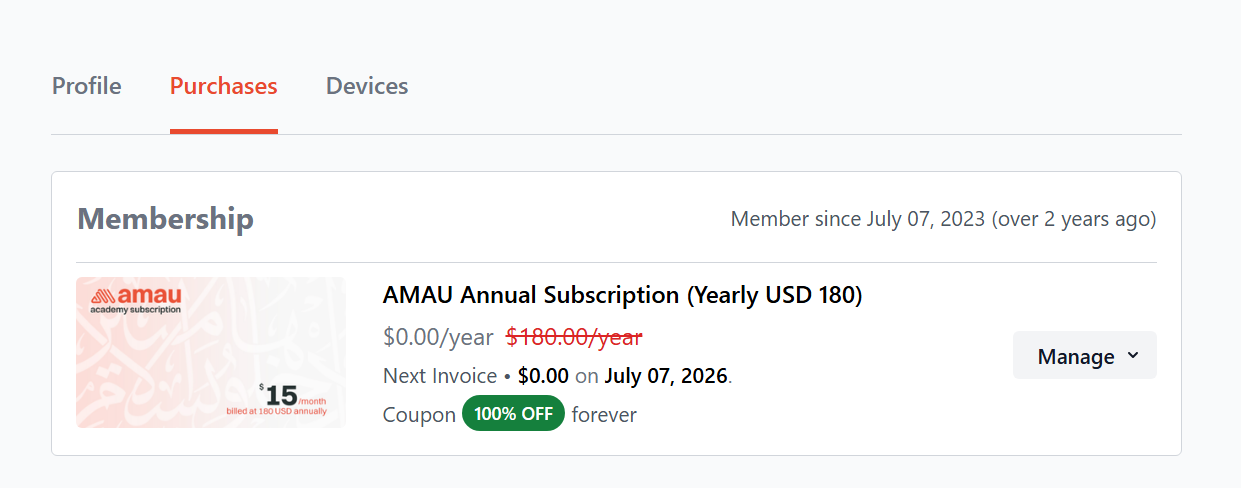
Navigate to Purchases.
-
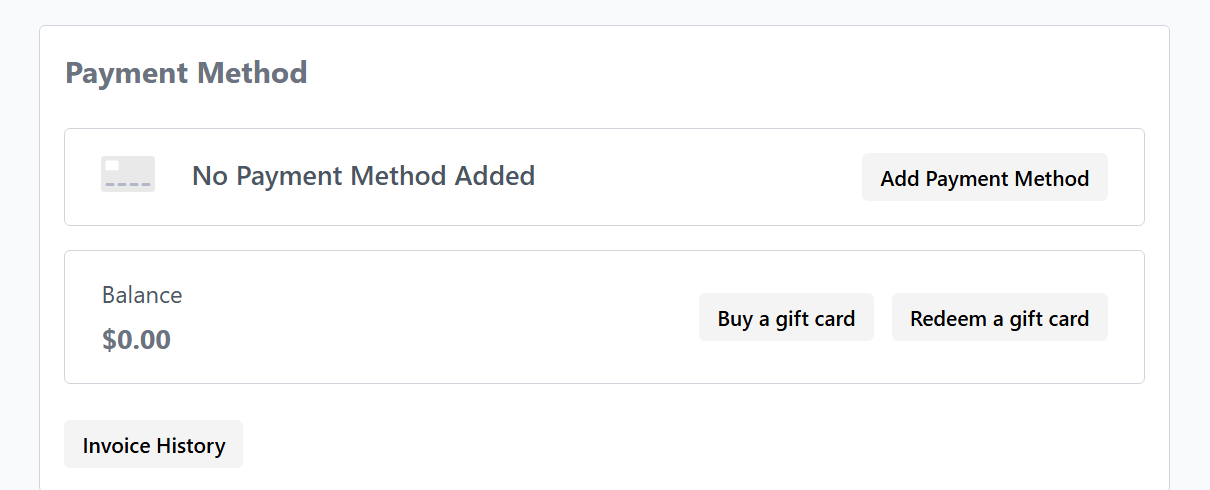
Under Payment Method, select Invoice History.
Viewing Your Invoice History
In the Invoice History section, you will be able to see records of your transactions on the platform. This may include:
-
Membership subscriptions
-
Donations
-
Gift card purchases
-
Other payment records
Under Membership, you will find the full history of your subscription invoices.
Opening or Printing an Invoice
You can open any invoice to view the details of that transaction. If needed, you also have the option to print or save the receipt for your records.
For any further queries please contact helpdesk@amauacademy.com